Saturday, 15 February 2014

Can I Get a "Tweet Tweet"


#FlashbackFriday to the time we learnt about a P.L.E. because today, we are learning about a P.L.N. (like O.M.G. right?!). Your P.L.N. is when you use your digital tools from your P.L.E. in order to engage and interact with others. It allows you to steal ideas and become inspired from these ideas. These networking platforms are deliberately framed in order to benefit the goals and needs of its users. Originally these platforms were made for family and friends but with the new Web 2.0 and endless possibilities, the communities involved are endless!
2013. Twitter for business (twitter). Retrieved from: here

This week we got to incorporate one of my favourite social media networks TWITTER, which is seen as a P.L.N. tool (click to find out what other tools fall under this category!). I have been tweeting since the early years of 2006- somewhere between caveman drawings and the invention of the smart phone. When Twitter was first introduced, I used it strictly to satisfy social needs. However, as the years past and Twitter grew in popularity, I began to use it for new purposes- professional and educational purposes. Twitter has enabled constant access to the GLOBAL world. Within this sphere, we are able to build a stream of main ideas that are relevant and useful. It is similar to last week where our online bookmarks sort through the good, the bad and the ugly- Twitter allows you to do that as well. 

@laurebor Twitter Tips to Utilize: 
·Lists: You can organize your followers into lists. This way you can separate you news feed and be able to keep your friends, social profiles, news, business, and school feeds separate!
·#Hashtags: Find relevant information- Use them as a social network search engine. They can often lead you to professionals who are relevant and important in that field of interest. They filter out the information for you and save you time and energy! 
· Suggestions: Twitter provides a list of people who they think will be of interest to you based off of your account.

Borchuk, L. (CC) 2014.
In a previous course I took at Brock, Professional Communication, our professor stressed how useful Twitter is in today's society because there has been a paradigm shift. Emphasis is taken away from the ability to compete, and put towards ones ability to NETWORK. Businesses are realizing the power of networking and promoting their brands through the use of social media. My Feedly feed informed me of the designers who took fashion week by storm, and kept their fans informed. How were the rich and fabulous able to inform their adoring fans? Through embracing their digital tools, and connecting with their audience on the best possible medium- social networks. Join these social networks, and like businesses SELL. Sell yourself to your future employers and the digital world, interact and form opinions with what is happening around you. These networks allow you to express yourself, and can help you gain valuable connections. But it is important to make sure you are displaying confidence and not being conceited over your Twitter. An article on self promotion from my RSS Reader describes how it can often be a single tweet, that crosses that line.  NOTE: sell yourself in a positive and professional manner. If our digital footprints have taught us anything, inappropriate posts can come back to haunt us. Here is another article I was able to find on successful tips for using Twitter!
Still not sold on how the social and academic collide? Let's do a little math equation.
MathKid (2014). "The Math Kid" (math humour).
Retrieved from: http://themathkid.tumblr.com/post/17857316461 
Not to worry- I'm a communication student remember? The variables for this equation will be tools learnt so far, and how they can help BUILD and contribute to the digital realm. One of the main themes of this course is learning how to become an informed legitimate digital citizen, and using this math equation, I am going to exemplify what I have learnt so far, and how the "social" and the "scholarly" might not be so different after all. 
Variable #1: Twitter:  To communicate DIRECTLY with fellow tweeters who are interested in the same areas as me.
Variable #2: 
Feedly- RSS reader: To explore and share data to the twitter conversation in a effective and educational way- just like a paper if you are going to make a point, make sure you have the facts to back it up!
Equation: Twitter + LinkedIn + Professional Users = an informed and conducive digital user. 

By connecting and contributing to these social media forms, you are learning how to network and gain feedback with other young professionals. And most importantly it allows you to communicate with people from other countries, professions and educational backgrounds! 

Tweet me, Link me if you want to reach me

XOXO

Sunday, 9 February 2014

Sharing is Caring: Welcome to the Curation Nation


*In the left corner we have the old fashion librarian and in the right corner we have the new digital age...are you ready to CURATE* 

Borchuk, L. (CC) 2014.

Curator meets the digital age. Curation is no longer a boring outdated strategy used in libraries but has decided to join the rest of the world and diverse itself within the digital realm. One of the most interesting things about this course is learning how the digital sphere has brought everything back to life. “Out with the old, in with the new” nope not necessarily. How about a…fashion makeover? Or an upgrade? The digital realm has not invented new ways of living, but rather modified the old outdated versions. The Internet, and its many tools, have added value to content and made it immediately accessible. Much like curating.

Now what is this magical world otherwise known as curating? Before I get into the technicality of it all, let me provide you with a visual. It is about adding to the conversation, as well as helping others see your point of view. By curation you are able to access to your content no matter where you are, or which device you are using. With there being so much content out there, it is hard to find QUALITY information. Through curating you are able to weed through the bad and pick out the good. Curating can be broken down into three steps:
1. Finding the best content: good at filtering out the good and bad. 
2. Adding Value: educates the reader and ads context to each element.
3. Credit: provides links to additional sources.

Looking at it as a scrapbook, you FIND a document or article you find interesting. Once you find it you ADD value but cutting and pasting your thoughts around the topic. By adding your comments you are giving CREDIT to the author, and providing a new insight. Just like a scrapbook, you end with a masterpiece, a masterpiece of knowledge.

With another tool added to my belt, my P.L.E. continues to grow (if only it would pass the message along to my wallet). However, I would categorize this under both scholarly and social. 
Scholarly: Group assignments. When needing to share articles or websites, instead of having to send a separate document it can all be sent and accessed as one. 
Spark, David. (2011). "Sharing" (animation)
Retrieved from: http://bit.ly/1kut5PS
Social: The latest “gossip” or current events that me and my friends are interested in. 
Recently I was able to share articles, from my RSS reader, BOOKMARK them, comment and share them with my friends! One of the main events happening right now, are the Olympics games. Like everyone else in the country, me and my friends love to chat about the recent winners and events. With my RSS reader and by curating, I am able to keep all of 'my' Olympic events in one area as well as organize all of my thoughts surrounding them. Through Diigo, I was able to curate my "digital life" to connect with fellow Internet users, my friends and family WHILE expanding my contribution within the digital realm.

Now its your turn- embrace the digital age and update that resume of yours: Full Time Student, Part Time Curator. 

XOXO


Sunday, 2 February 2014

Multiple Server Searchers are so Last Millennium


Hi…my name is Lauren and I’m an organ-aholic. I am an organization FREAK. From my schoolwork, to my closet, everything is colour coded, as well as colour coordinated. This week, being the digital explorers that we are, we were told to set up Feedly, to use as our RSS reader. For those of you who are unaware (hey no shame, I just discovered its meaning myself) RSS is a way for technology junkies, and Web lovers to keep their favourite websites and news feeds all in one place. YES no more back and forth, he said she said, what was the link to that tweet?? Now its all available in ONE PLACE. For those of you like me, this was my systematized heaven. Like my closet…why not have all my favourite websites in one place?! This is one “how to” link really helped me to starting my online organization journey! 
Rosenbloom, Stephanie. (2012). "Log On, Coordiante, Pose" (online organization).
Retrieved from: 
http://www.nytimes.com/2012/03/01/fashion/virtual-closet-web-sites-like-pinterest-
and-stylitics-revise-online-fashion-shopping.html?pagewanted=all  
Now it sounds a bit messy…referring back to last week when we coordinated our P.L.E. There are A LOT of websites, and they all have varying purposes. The interesting part of Feedly, you can BOOKMARK. You create a ‘collection’ drag your websites related to said tab and WALLA. Just like that you can bring your P.L.E. to life in an organized way. 

Still a little lost with what to add? Here are a few steps that helped me get started; 
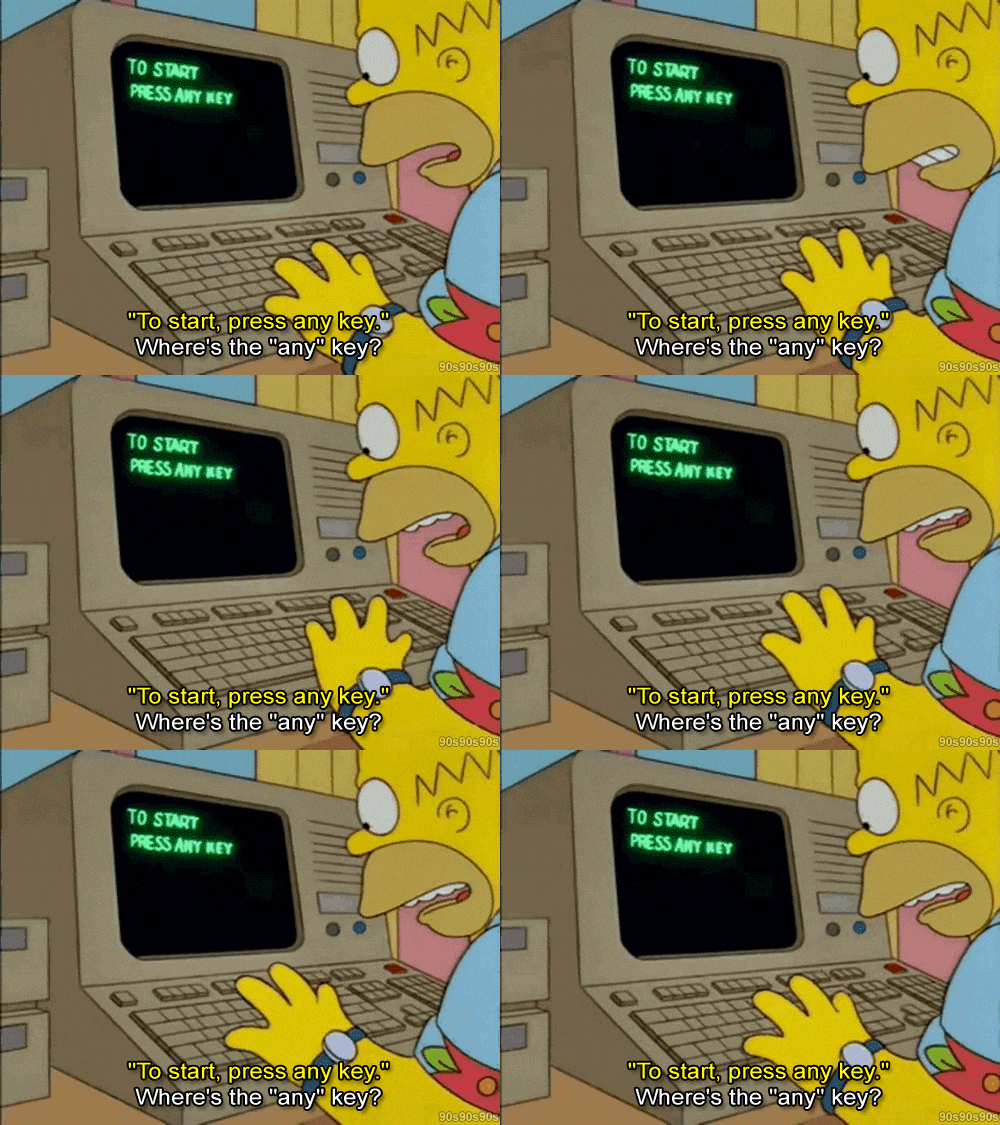
    GIPHY. (2014). "Confused Computer" (Simpsons cartoon).
    Retrieved from: http://media.giphy.com/media/citBl9yPwnUOs/giphy.gif

  1. Start with vague/scattered interests- What do you use the Internet for? What fascinates you?
  2. Check your feelings- How do you feel about these websites? Which ones excite you?
  3. Search for RSS to subscribe to- Look for that little orange server and connect!
  4. Interact- Not only with fellow uses, but also with your social networks and websites! Don't be afraid to explore your options and share your experience with your followers!
Sticking to my closet fashion theme, I'll give you a little insight to some of the fashion blogs I have subscribed too. According to my P.L.E. I would categorize my fashion blogs as a social use. I like to explore the world of fashion when I'm not working away on assignments. These are my fashion blogs, and with Feedly I am now able to view them all at once! It has made it so much easier to collect fashion inspiration and follow the latest trends. Want to find out more about my personal experience? Check out my RSS Experience post! See what I did there ;)

Kemp, Sam. (2013) "Internet Safety Begins
at Home" (cartoon ion). Retrieved from:
http://www.huffingtonpost.ca/samantha-kempjackson/internet-
safety-begins-at-home_b_4053760.html
Now *ahem* my parental speech on Internet safety (bet yah didn't see that one coming). BE CAREFUL: you don't want to give out too much personal information in case the source is unreliable. Just like everything else before you commit or subscribe make sure it is safe and will not compromise your digital footprint or your identity. Be aware that it is not a scam and be cautious of what you are agreeing to. Once you are sure the source is safe, enjoy the access the Reader allows! An RSS Reader can allow you, along with other users, the opportunity to 
connect and contribute to the experience of a fellow 
Internet user!

Oops, here I go, I warned you I was a rambler! I'll do a quick wrap up and let you digital-ites explore the RSS world! I mean having to switch back and forth is quite the workout…why do the work yourself when you can let the Internet do the work for YOU. Be the boss of your P.L.E. No more “clicking reps” (yes- that was my poor attempt at a ‘gym rat’ joke…this thing on?) one click and you are all set! With access and speed being valued and emphasized in today's society, why would you bother wasting time searching and risk the chance of overlooking information? I have provided the information (and hopefully the motivation) for you to try and figure one out on your own. Now…on your marks, get set, CLICK!

xoxo

My Experience with RSS Feeds

Borchuk, L. (CC) 2014.
EXTRA EXTRA READ ALL ABOUT IT! You can now collect all incoming news on ONE digital platform. That's right! Feedly, is a source that pulls content from websites of your choice/interest and localizes it to ones spot. Now as I mentioned in my earlier posts, I am hoping to get a job in Public Relations. A P.R. Practitioner must be aware of global issues. How do I stay updated? The Globe and Mail. I follow them on Twitter, get push notifications to my phone from their App, as well as view the paper online (I mean...physical newspapers are so overrated). Searching through all those mediums can be time consuming, especially with Twitter. I am following so many other users that I often over look Globe and Mail tweets and miss an important event. Feedly has helped me with this problem. By allowing me the access to the Globe and Mails stories, I no longer have to play the little game of cat and mouse. All I have to do is open My Feedly, go under my "News" tab and BOOM. Just like that I am updated with all the current events happening within my community, as well as the global community. I mean this whole "access at the push of a button" thing, I could really get used to it!

Don't believe me? Do I have to persuade you further? Well here is a story that I SCROLLED PASSED on Twitter because I was not paying attention to the content that was in front of me. As we all know today is the day of the Super Bowl. Now, I am not the biggest sports fan however; I do watch the game for a couple of reasons.

  1. The half time show- I mean last year BeyoncĂ© LITERALLY shut down the stadium.
  2. Knowledge- This will be the main topic tomorrow on campus. 
  3. The commercials- Every marketers dream.
  4. Food- I can never turn down a chance to binge on chips and dip. 
Now referring to my third point, the advertisements- did you now that Canada misses out on the best Super Bowl ads? Well the Globe and Mail has a report that explains it all (Click on Globe and Mail for direct access to the news coverage). Don't have time to watch? Here is my mini summary at your disposal. Super Bowl advertisements are a known phenomena with viewers. Seeing as advertising networks fund the advertisements, in this case the network being FOX, the money is deposited back to FOX, an American network. Now in Canada, we watch the Super Bowl through CTV working towards strengthening our economy. BUT seeing as CTV is Canadian, American advertisers would need to buy time from CTV. This does not happen. Even when Canadian's watch the FOX network, the satellite substitutes the American advertisements for Canadian ads (so CTVs money and investment is not wasted). How to avoid it? An antenna, or the Internet. YouTube provides live time commercials for viewers such as ourselves.

GIPHY. (2014). "Slow Clap" (mock clapping). Retrieved from:
http://giphy.com/gifs/37Ez5CZ8P0jSM 

Without Feedly I would not have gotten the full story. Now is it the end of the world if I missed that news story? No. Could it have consequences? Yes. As I said, the world of Public Relations is closely tied to advertising. For a Public Relations Practitioner this is a crucial news clip. That is just one example of how this convenient, not to mention FREE, tool has helped me and furthered my knowledge. Can we give them a standing ovation?! Slow clap...anyone? Embrace the present and the opportunities the Web 2.0 has to offer. Are you getting the full story? Or are you missing out?

xoxo